Clients
Clients are the people and businesses the firm acts for. This is the register of every client and the starting point for their matters, contacts and identity checks.
Add a client
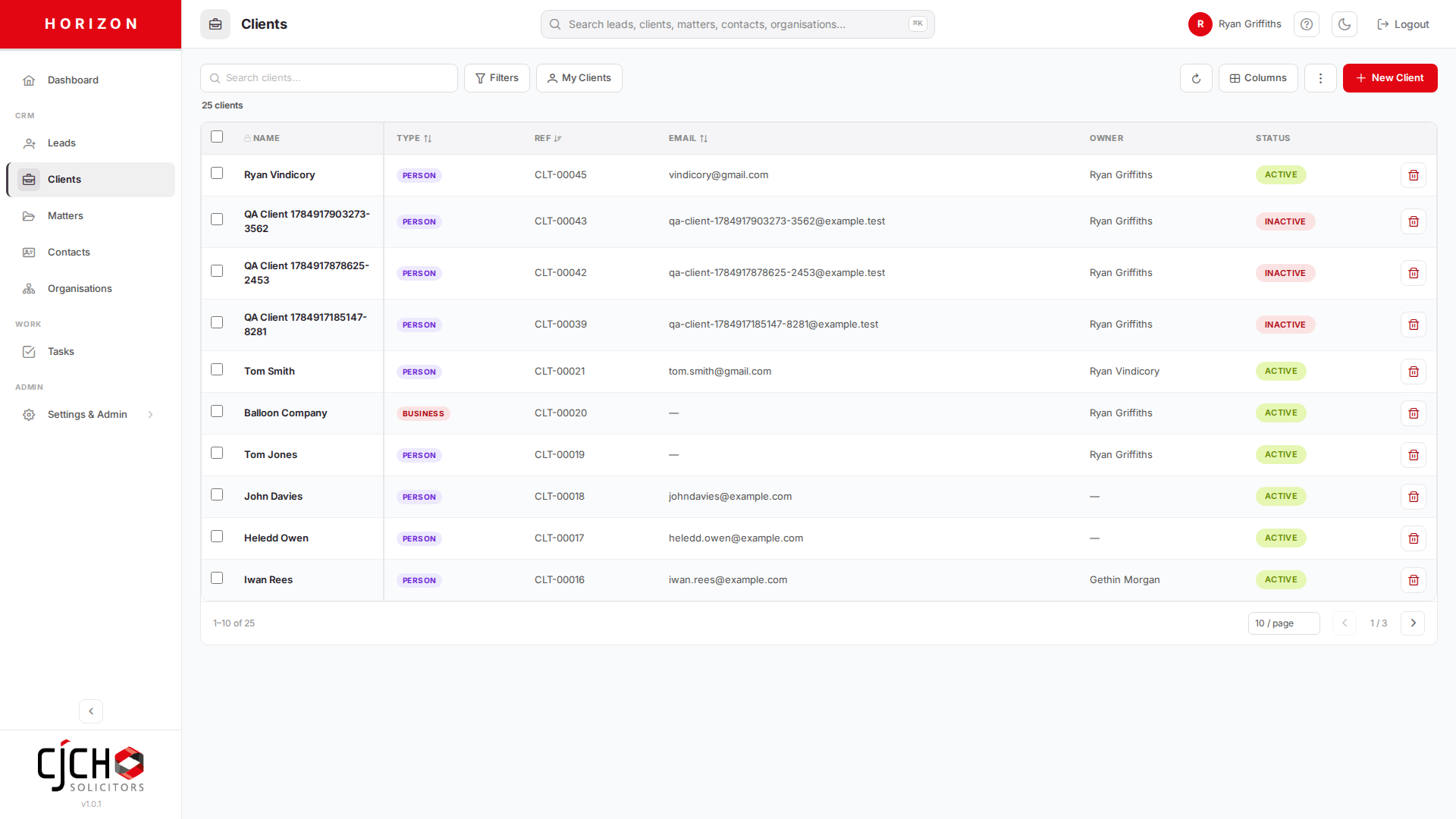
- Click New Client and choose person or business.
- Addresses use a postcode/address search that fills the fields for you; phone numbers and emails are validated as you type.
- Horizon warns you if a similar client already exists, so check the suggested matches before saving.
Inside a client
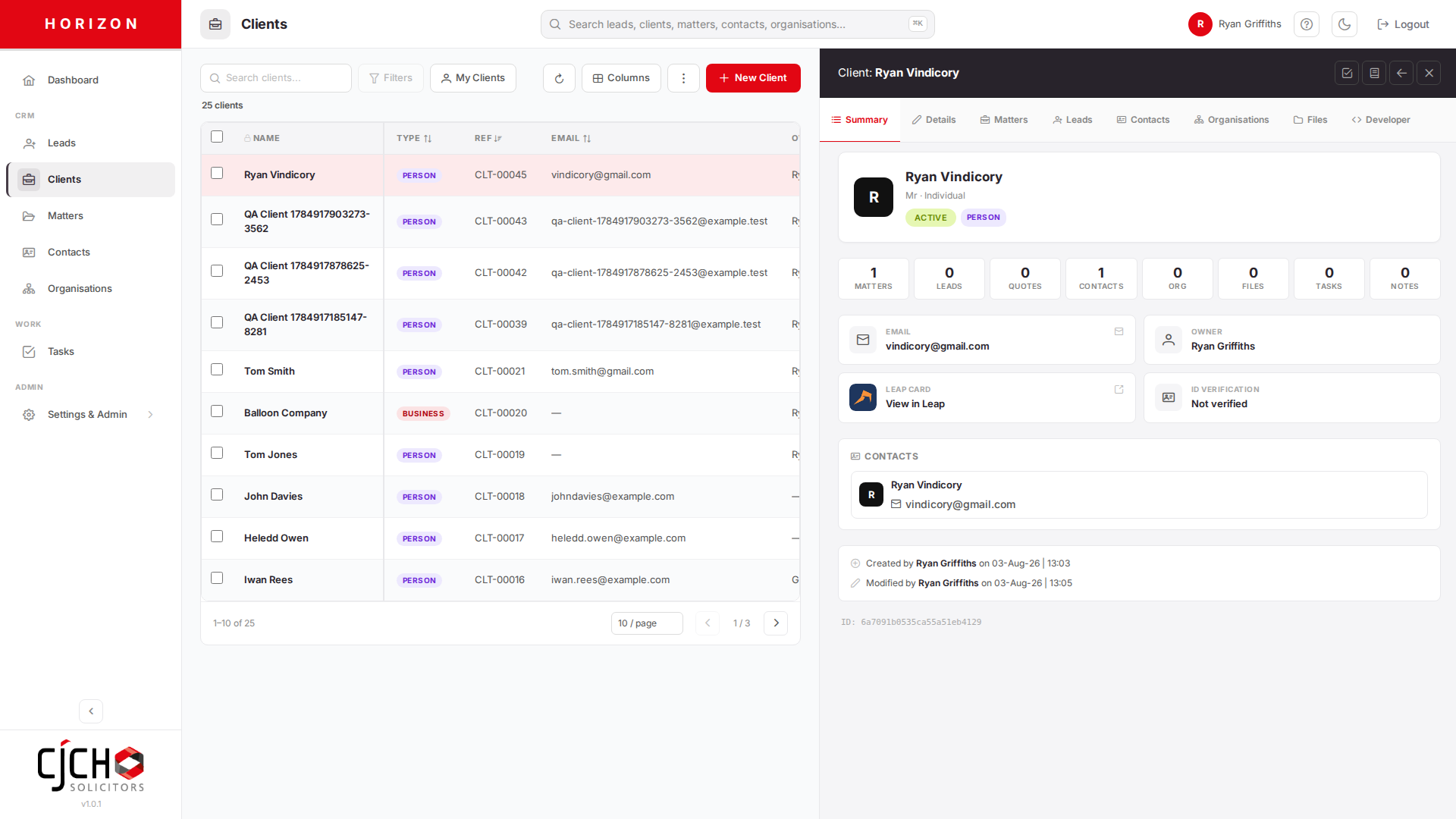
Open a client to see the Summary, then move through the tabs:
| Tab | What it holds |
|---|---|
| Matters | Every matter for this client; open one or create a new matter from here. |
| Leads | Enquiries linked to this client, including the lead they converted from. |
| Contacts | People linked to the client, each with a relationship role (director, next of kin, and so on). |
| Organisations | Companies and bodies connected to the client. |
| Files | Documents attached to the client. |
Tasks and notes sit in the side panel on every tab.
ID verification (AML/KYC)
Each client record can hold identity checks: which photo-ID document was seen (passport, driving licence and so on), who verified it and when. The most recent verification shows on the client so anyone can see their check status at a glance. Run sheet B6 · Client ID check has the step-by-step.
Bulk actions
Tick rows to change status (Active, Inactive, Pending) for several clients at once, or delete them together.
CJCH Horizon — User Guide
Guide home