Tasks & Mentions
The firm's to-dos, and your feed of everywhere colleagues have @-mentioned you.
Tasks
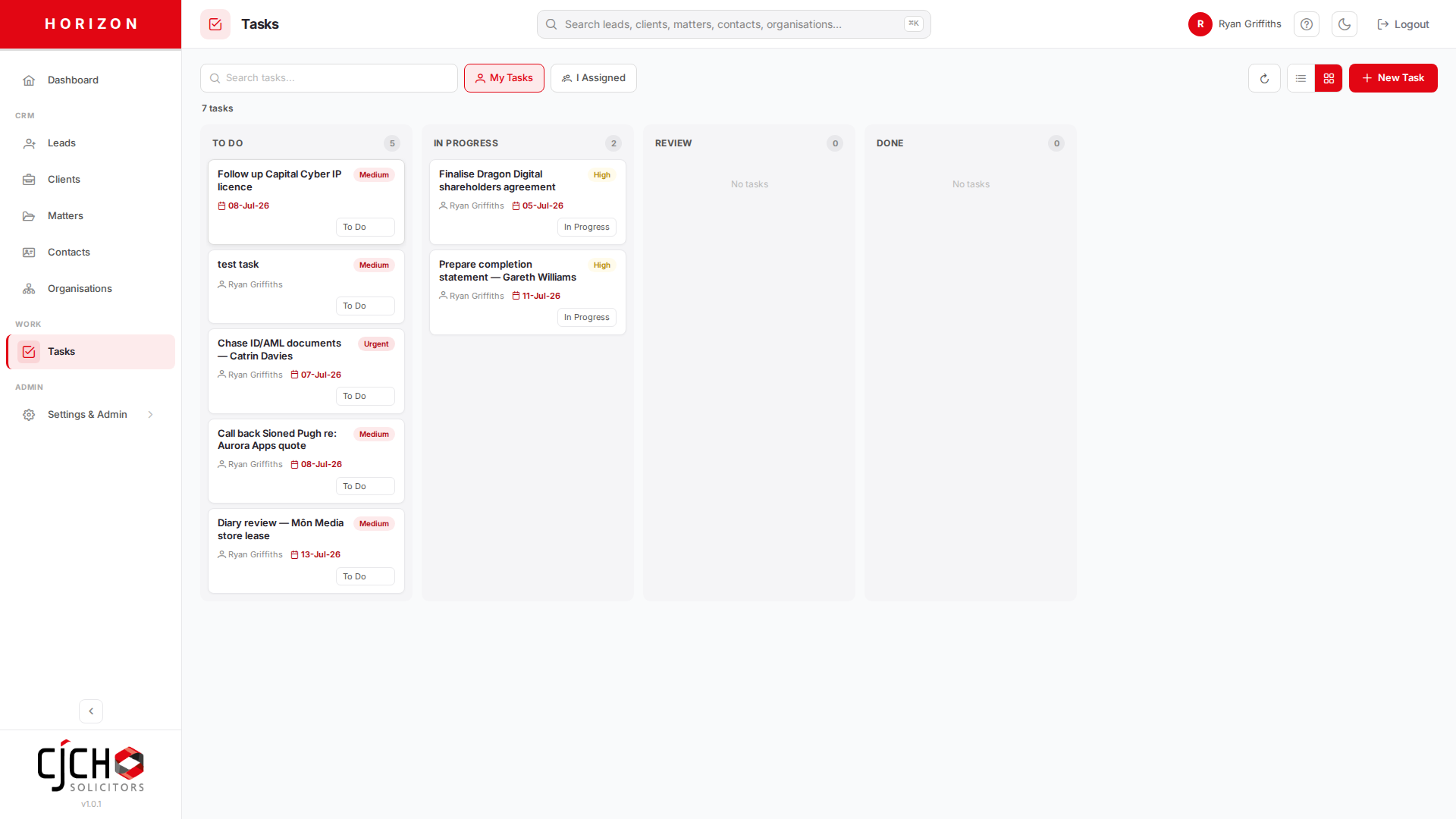
Tasks are the to-dos across the firm, each one optionally linked to a record (a lead, client, matter, contact or organisation).
Anatomy of a task
| Field | Values |
|---|---|
| Priority | Low, Medium, High, Urgent |
| Status | To Do → In Progress → Review → Done |
| Due date | Optional; drives the Dashboard's Overdue / Due today grouping |
| Repeats | Daily, weekly, fortnightly, monthly, quarterly, annually, or a custom interval — use this for recurring reminders |
Working with tasks
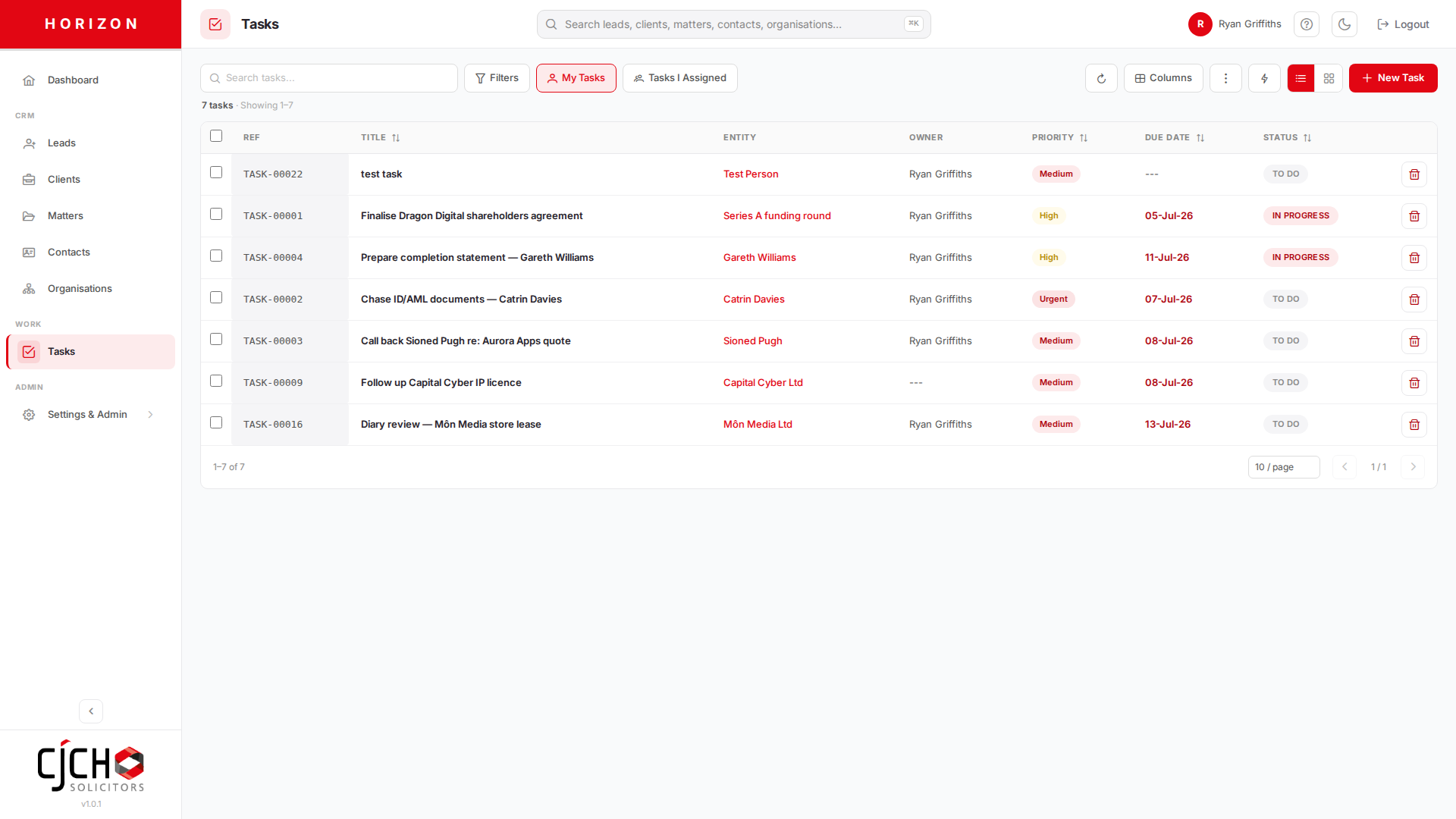
- Switch between the Table and Kanban board with the view buttons. On the board, drag a card between columns to change its status.
- Use the quick filters My Tasks and Tasks I Assigned.
- Create a task from the Tasks page, or from the side panel of any record so it stays linked to that record.
- Mention a colleague with @ in the description to flag it to them.
- Tick rows in the table to change status or delete several tasks at once. Tasks can carry files too.
Mentions
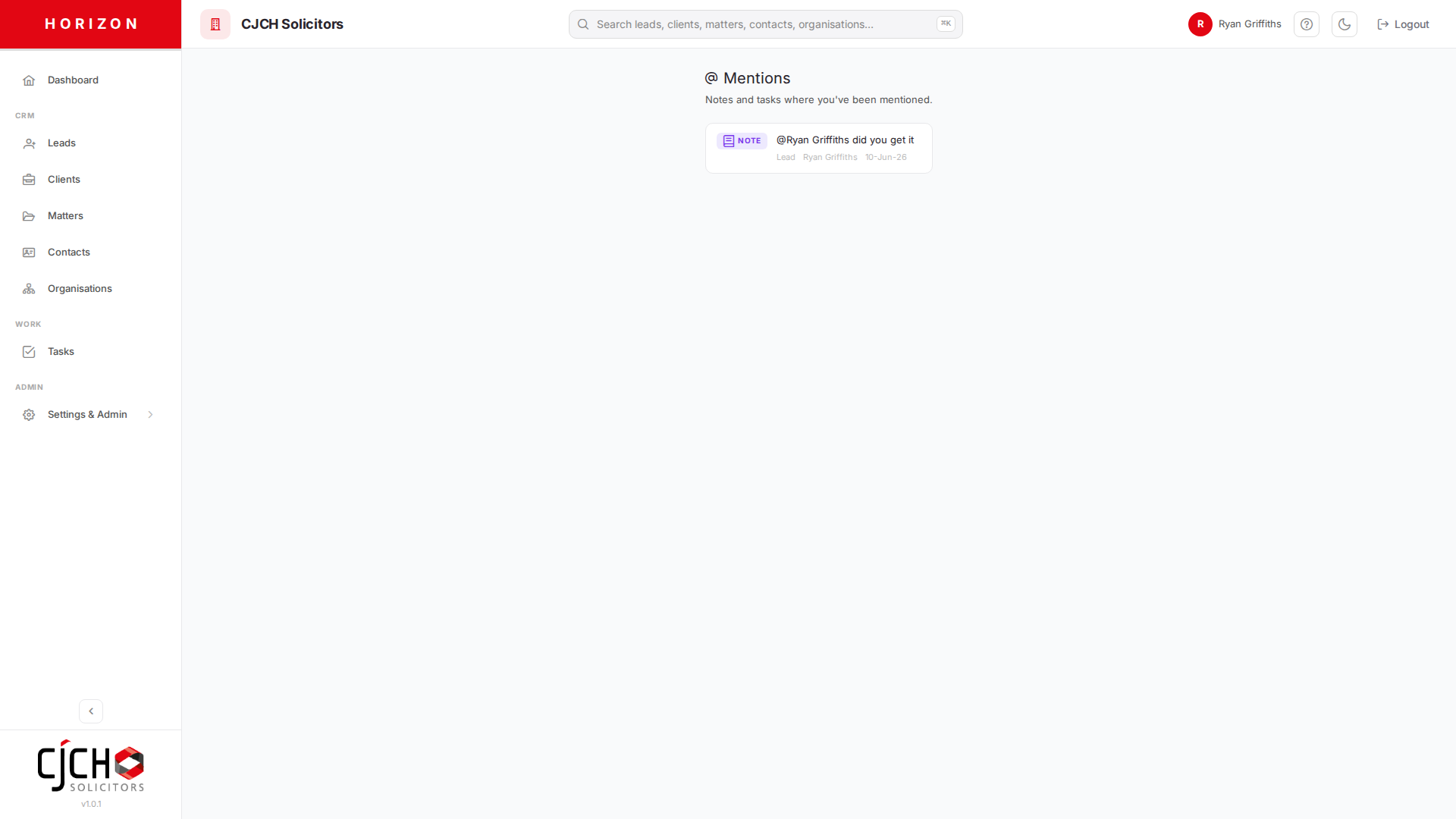
The Mentions page is your feed of every note and task where someone has @-mentioned you, newest first. Each row shows the text, the record it relates to, who wrote it and when; an icon distinguishes task mentions from note mentions. Click any mention to open the task or jump to the note on its record.
Reach it from the "Mentioning me" widget on the Dashboard.
CJCH Horizon — User Guide
Guide home